MORFO -
teaching dental morphology
in three dimensions.
A dental morphology learning platform for Meta Quest 3, iOS and Android. Gamified exercise modules, Photon Fusion 2 Shared Mode multiplayer with Meta Avatar SDK v40 and Photon Voice 2, and Firebase-backed progress tracking - live on the App Store and Google Play as part of a dental training product line holding a 4.2★ average rating with 2,000+ active users.
- Role
- Unity Developer & Research Engineer
- Year
- 2023 - 2026
- Platforms
- Meta Quest 3 · iOS · Android
- Core stack
- Unity · C# · Photon Fusion 2 · Firebase
- Status
- Live · App Store · Google Play
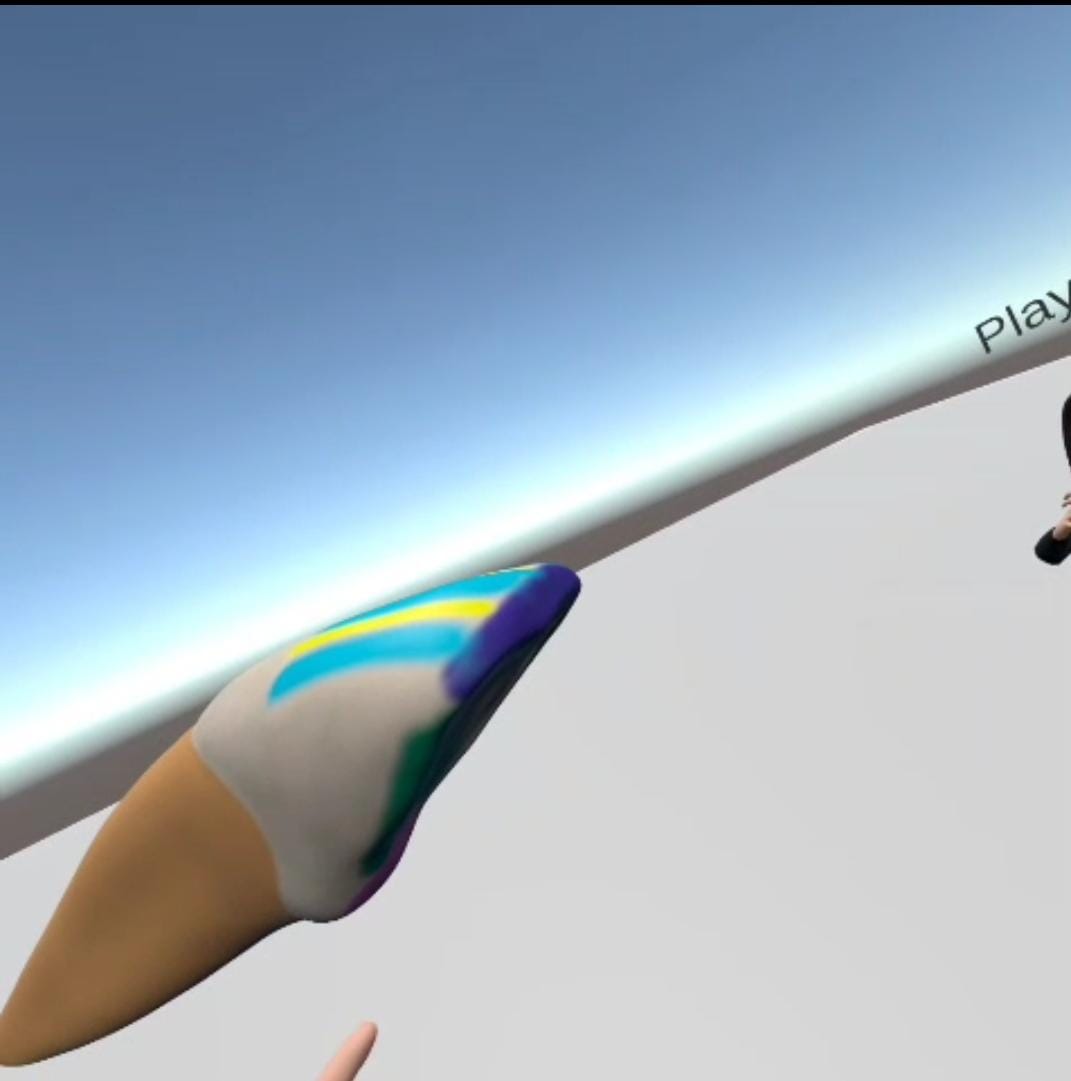
A shared 3D classroom for tooth anatomy.
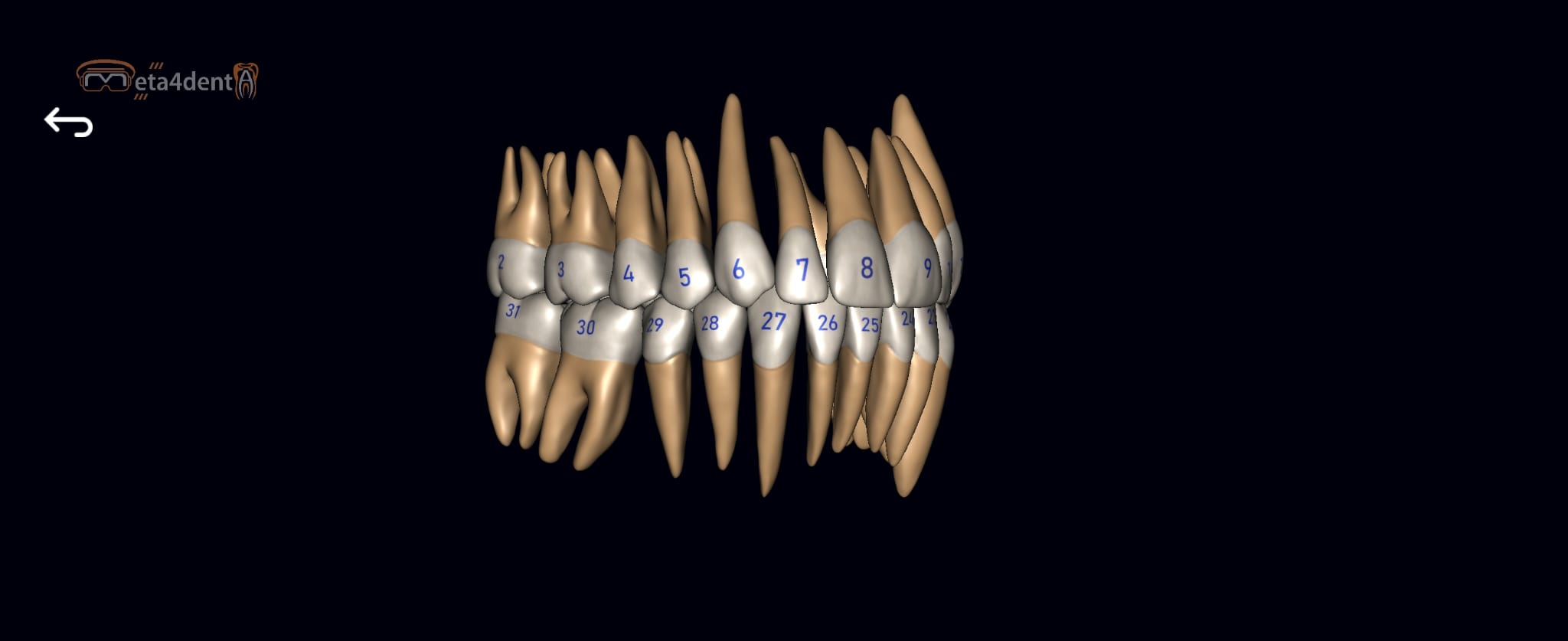
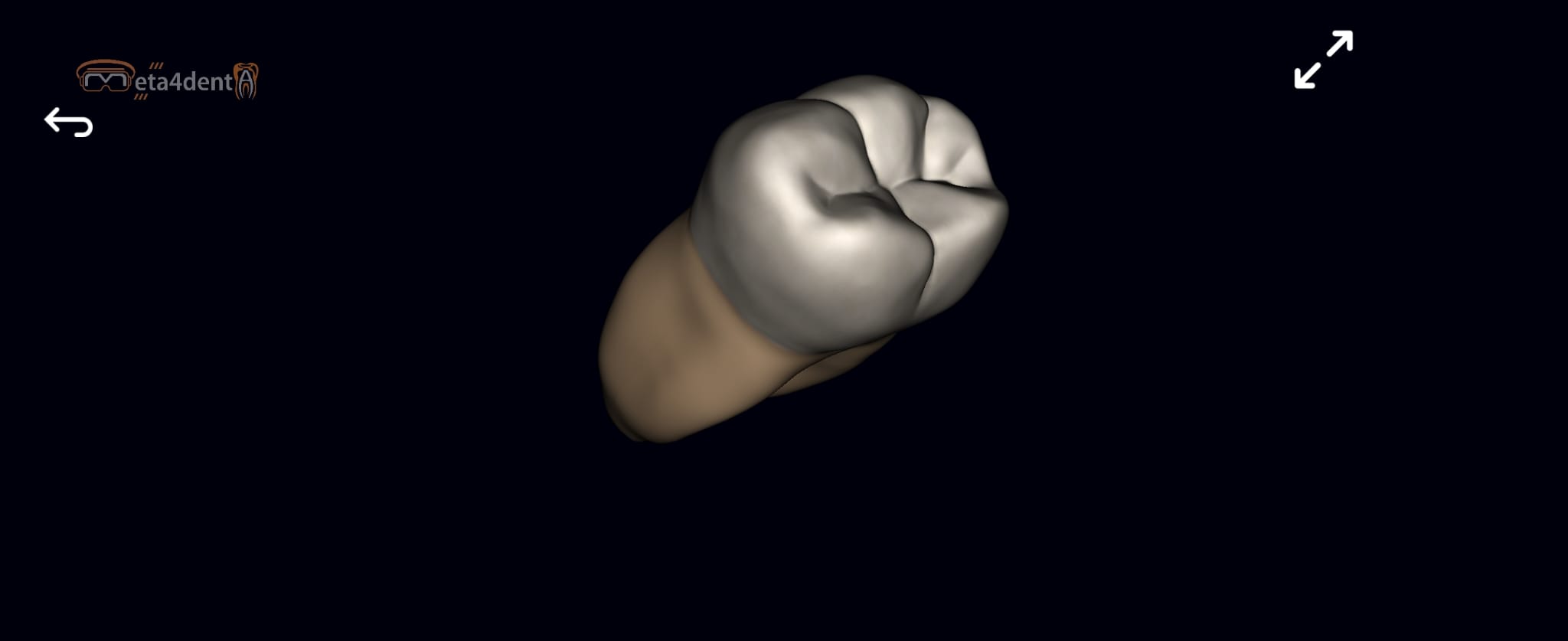
Dental morphology is traditionally taught from 2D atlases and plastic models. MORFO puts every tooth in the student's hands as an interactive 3D object - in VR on Meta Quest 3 or on the phone in their pocket - with gamified exercise modules built on ScriptableObjects, modular prefabs and Addressables, so new content ships as data rather than code.
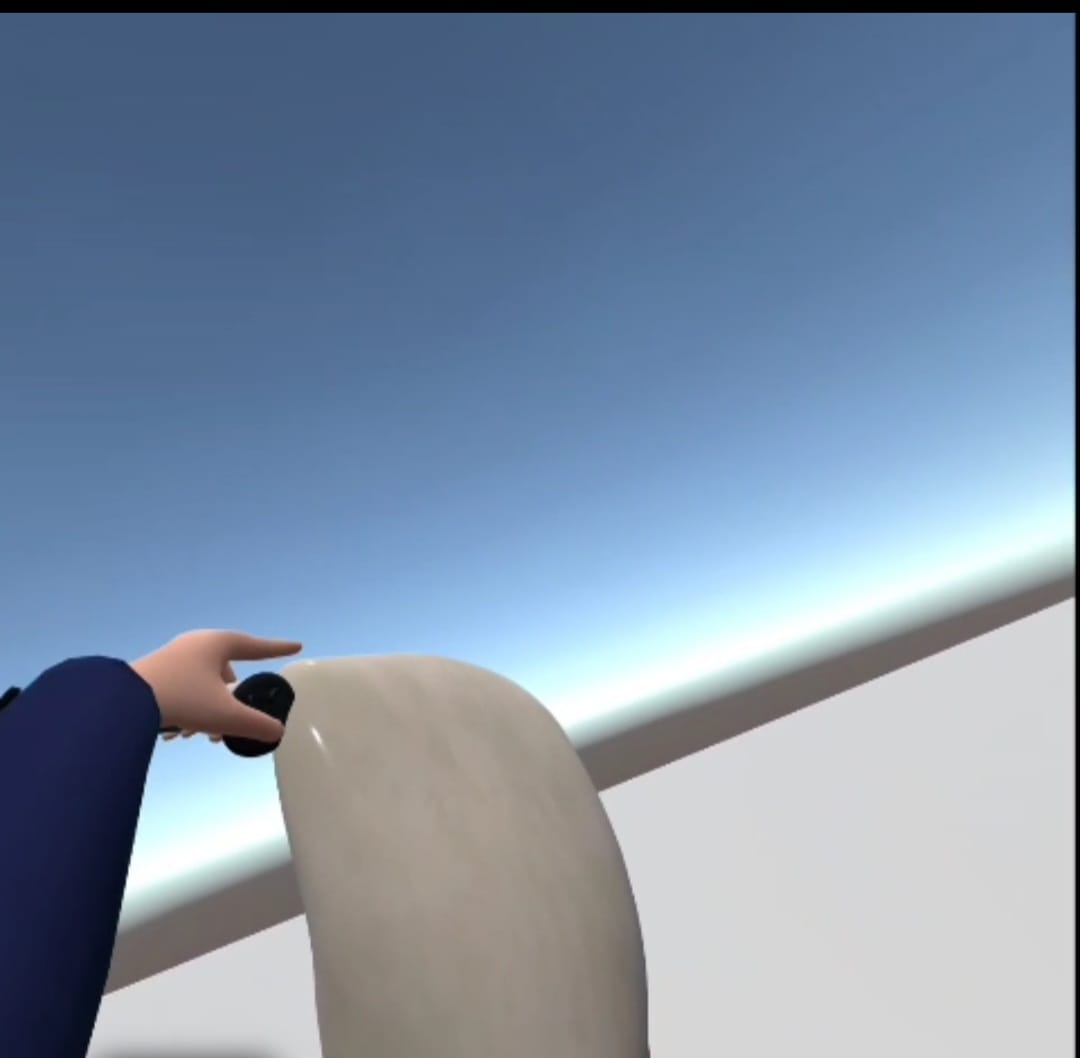
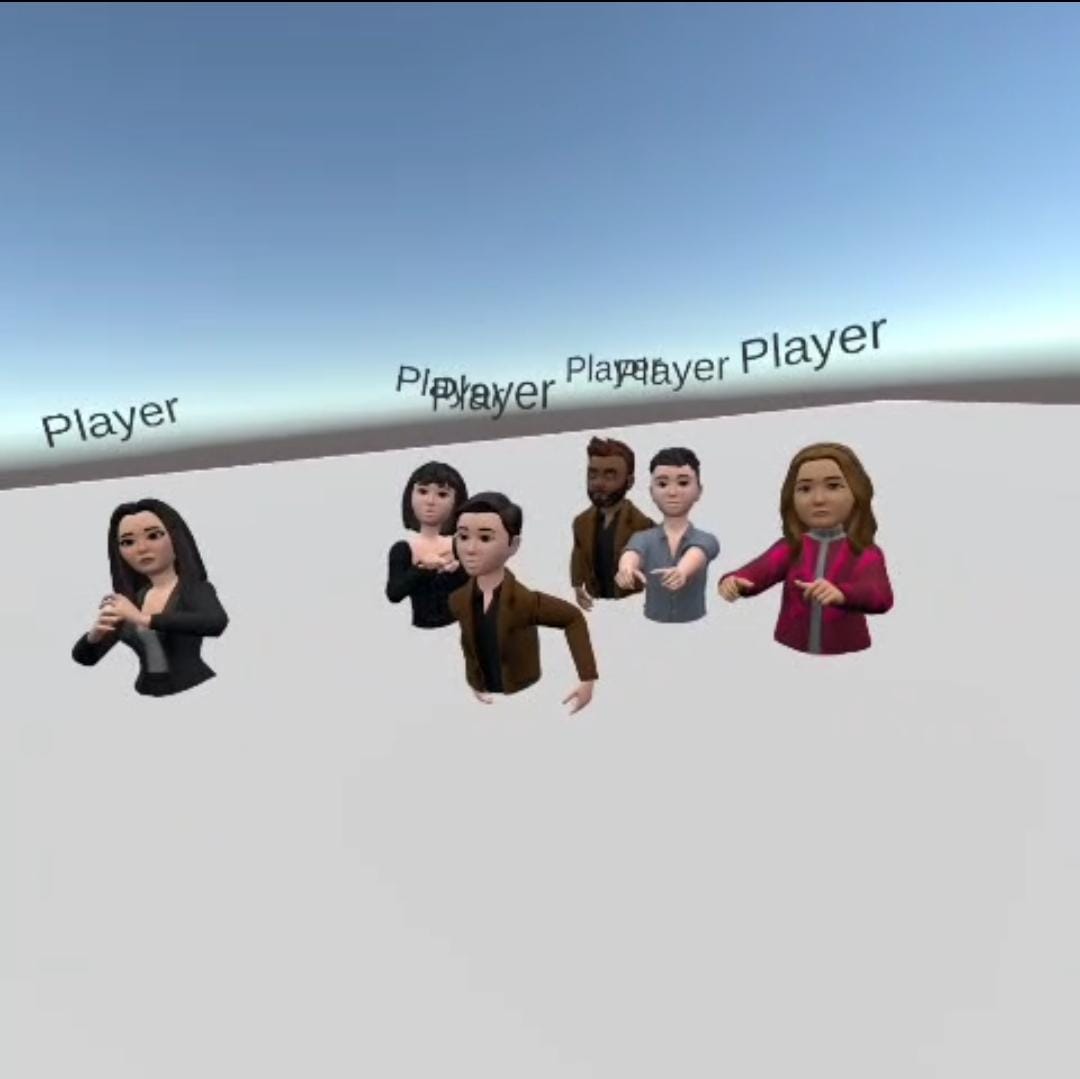
In VR, Photon Fusion 2 Shared Mode multiplayer lets instructors and students meet in the same virtual classroom, embodied through Meta Avatar SDK v40 and speaking over Photon Voice 2. A Firebase backend - Auth, Firestore and Realtime Database - handles student progress tracking, room management and real-time data synchronization across headset and phone.
The performance discipline came from the project's mobile roots: custom HLSL shaders, a dynamic LOD system and a unified codebase holding 120+ FPS across flagship and mid-range hardware. A companion research paper on the platform is under review at the International Journal of Serious Games (IJSG).
From concept to launch.
Mapping the dental morphology curriculum into interactive 3D exercises with educators, plus technical feasibility and architecture planning across Quest 3 and mobile.
Modular system design and a unified cross-platform codebase - one content pipeline targeting VR and mobile, tuned for mobile GPU constraints.
Exercise modules built on ScriptableObjects, modular prefabs and Addressables - new teeth, quizzes and scenarios ship as content, not code.
Photon Fusion 2 Shared Mode with Meta Avatar SDK v40 and Photon Voice 2 for shared classrooms; Firebase Auth, Firestore and Realtime Database for progress tracking and live sync.
Store submission to App Store, Google Play and Meta Store, user-feedback loops, and continuous tuning across the live install base.
Under the hood.
Multiplayer XR
Photon Fusion 2 Shared Mode puts instructors and students in the same virtual classroom, embodied via Meta Avatar SDK v40 with spatial voice over Photon Voice 2 - including the platform's Fusion 1 to Fusion 2 migration on Meta Quest 3.
Firebase real-time backend
Firebase Auth, Firestore and Realtime Database drive student progress tracking, room management and dynamic data synchronization - exercise state stays consistent across headset and phone.
Content-driven gamified modules
Learning content built on ScriptableObjects, modular prefabs and Addressables. Educators get new exercises as data-driven modules instead of bespoke builds.
Performance-first rendering
Custom rendering pipeline on Unity's URP with optimized shader variants and a dynamic LOD system. Consistent 120+ FPS even on mid-range devices through careful batching and instancing.
In the wild.